Make each teammate unmistakably yours.
Face, voice, room, and personality — every one is yours to shape from a single screen, no code. Here is what you get to decide.
An avatar that shows up — and shows expression.
Turn on the animated avatar and your teammate is a moving, expressive character on camera — it reacts and emotes, not a still headshot with a lip-synced mouth. We put real work into that layer. Turn it off and the meeting shows a clean static tile instead.
Twelve original characters, ready to drop into any deployment.
An easy avatar creator, or start from an existing image you provide.
Choose or generate the static profile image for the times video is off.
Custom avatars can't be built to impersonate a real, identifiable person.
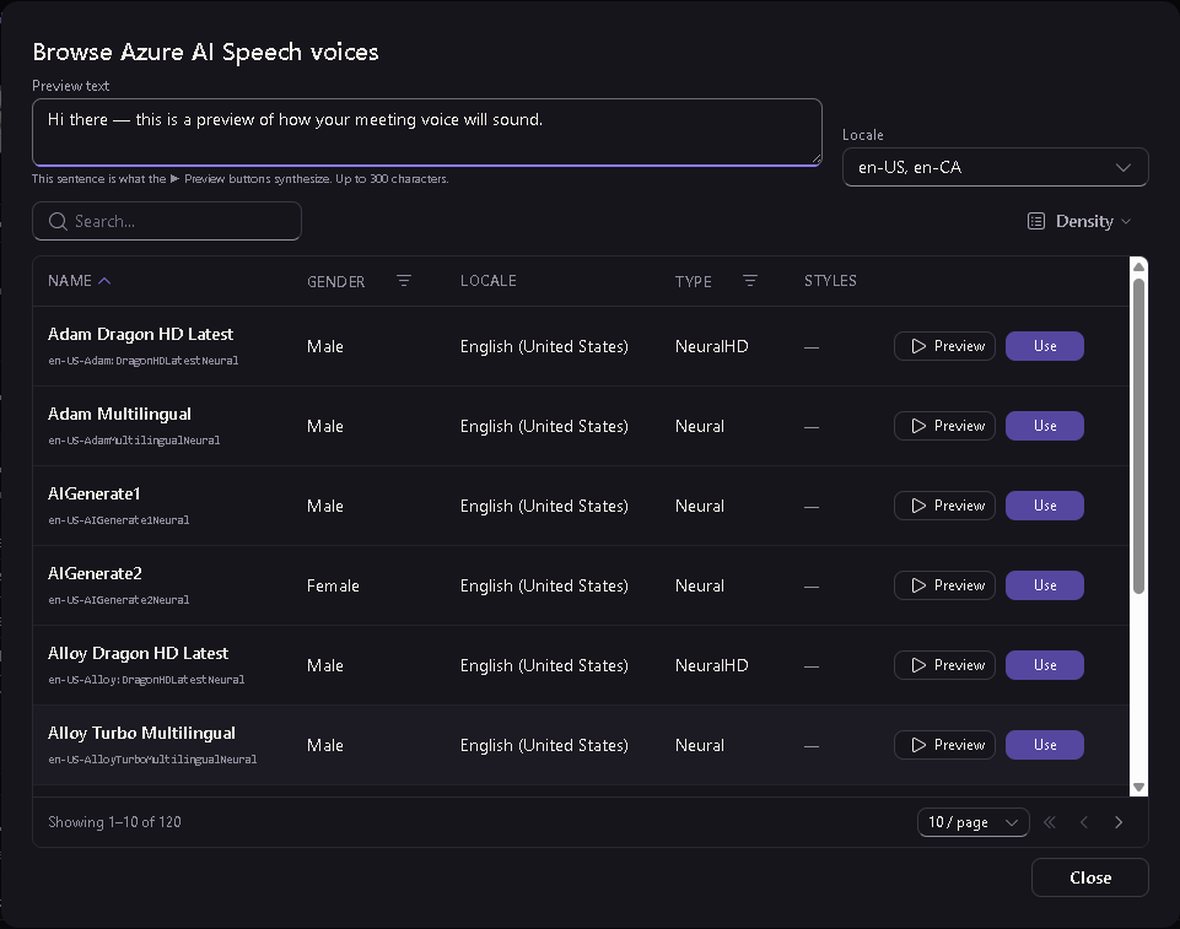
The right voice, from a real library.
Browse Azure AI Speech neural voices by character, preview each one, and set a speaking style. Reach for the premium Dragon HD tier when you want the most natural read — or drop in the exact name of any Azure voice you already like.
Put them in any room — including your own.
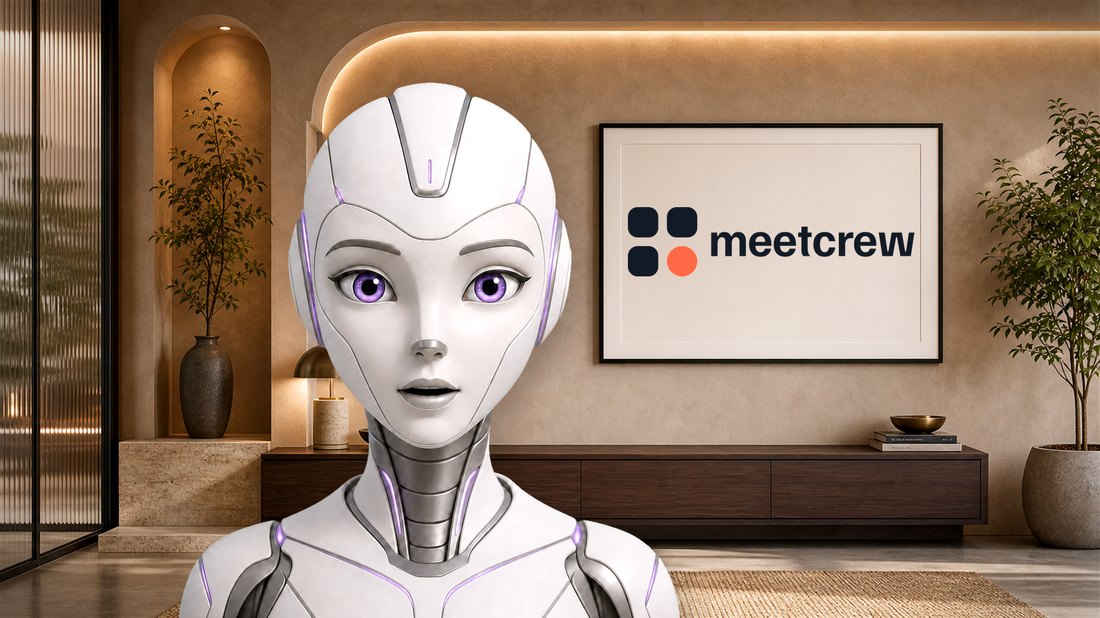
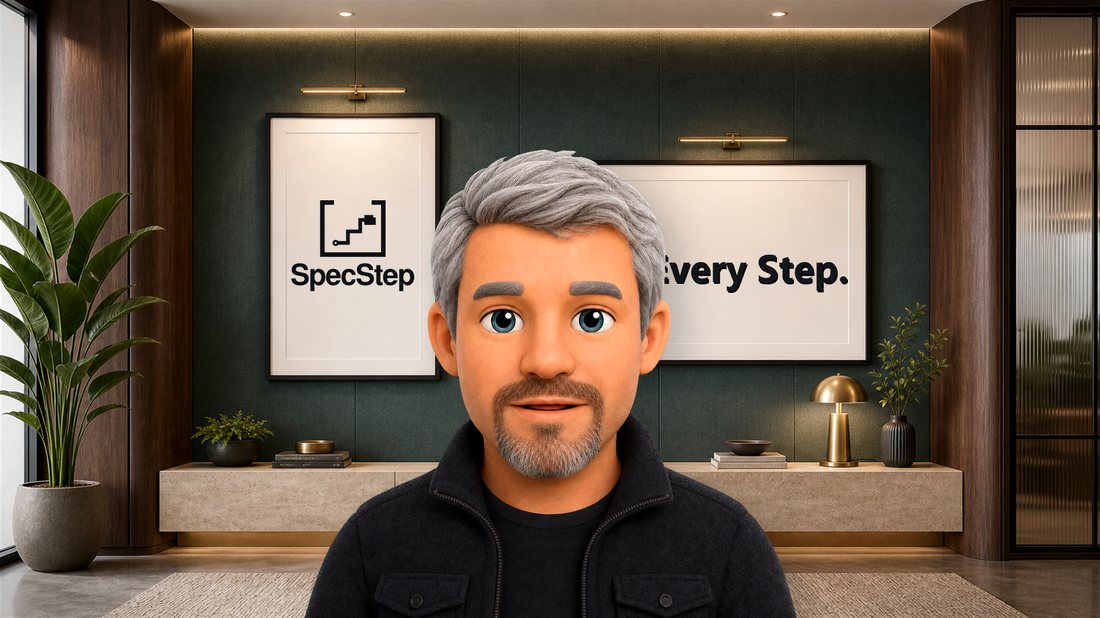
Over twenty designed scenes, your own uploads, or a branded background built around your logo. Blur it when you want all the focus on the teammate — the character always stays sharp.




Your logo, in the scene
Drop your logo into a framed scene, size it, add a short message — and the meeting background becomes one your brand actually owns. Here it is running in real Teams calls.
Give each one a job and a way of doing it.
Plain-language instructions set how a teammate behaves and what it prioritizes across every meeting — "you're Jim, a renewals-focused colleague," and it holds that line. Set its wake word, choose its speaking style, and keep a full history of every change.
The standing brief it carries into every meeting.
The name people say out loud to summon it.
Even and neutral, or warmer — your call.
Every edit is versioned and written to the audit log.
All of it in one screen, controlled by your admins.
Every choice here is a per-deployment setting a tenant admin owns. Set it once, change it anytime, and each change is written to the audit log.